
Word Search Creator for Teachers: Classroom Tips & Best Practices
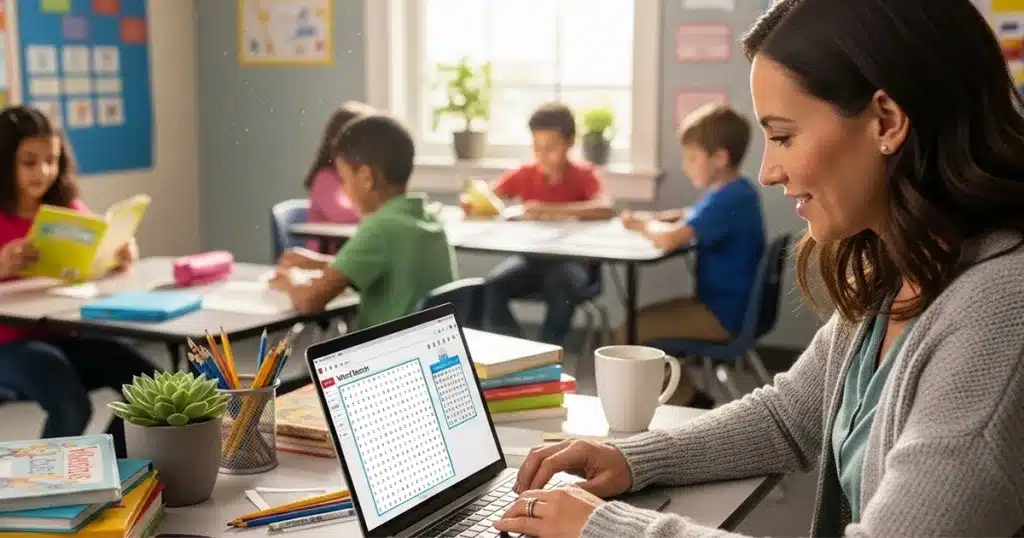
Teachers face a constant challenge: keeping students engaged while reinforcing key concepts. A word search creator offers a simple solution that combines learning with fun.
This guide shows you how to design age-appropriate puzzles, integrate them into lesson plans, and save hours of prep time. You’ll learn which features matter most for classroom use and how to create puzzles that students actually want to solve.
Why Teachers Use Word Search Puzzles
Word searches do more than fill spare minutes. They build vocabulary, improve pattern recognition, and offer quiet focus time when students need to reset.
Research shows that puzzle-based learning helps students retain spelling and vocabulary better than rote memorization. The visual nature of word searches activates different parts of the brain, making connections that stick.
Teachers report these benefits:
Vocabulary reinforcement: Students see words multiple times while searching, strengthening recognition.
Differentiated learning: Adjust difficulty for different skill levels in the same classroom.
Low-stress practice: Puzzles feel like games, reducing anxiety around new terms.
Independent work: Students can complete puzzles without constant supervision.
Quick assessments: Track which students struggle with specific terms.
A quality word search creator lets you customize puzzles for any subject, grade level, or learning objective in minutes.
Choosing the Right Word Search Creator
Not all puzzle tools work well for classroom use. Teachers need specific features that free consumer tools often lack.
Essential Features for Education
Look for these capabilities:
Multiple difficulty levels: Grid sizes from 8×8 for kindergarten up to 20×20 for middle school.
Font control: Large, clear letters for young readers or students with visual needs.
Word list import: Paste vocabulary lists directly instead of typing each word.
Print quality: Sharp, crisp puzzles that photocopy well.
Bulk creation: Generate multiple puzzles quickly for different classes.
No ads or distractions: Clean interface suitable for student use.
Learn the basic steps to create your first puzzle
Free vs Classroom-Grade Tools
Free word search makers work for occasional use. They break down when you need:
- Consistent formatting across all puzzles
- Professional appearance for parent handouts
- Batch creation for weekly vocabulary
- Custom themes matching your curriculum
Designed specifically for educators who need reliable, professional results.
Age-Appropriate Design Guidelines
The same puzzle format doesn’t work for kindergarten and fifth grade. Match your design to student abilities.
Kindergarten Through 2nd Grade
Young readers need simple, accessible puzzles.
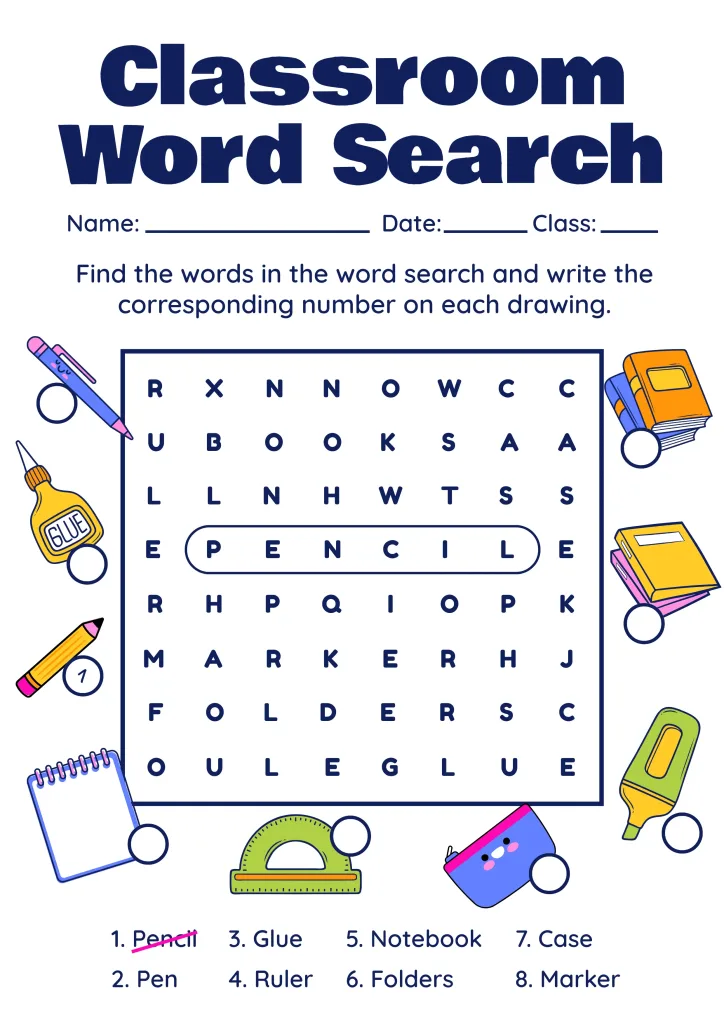
Grid size: 8×8 to 10×10 maximum
Word count: 5 to 8 words per puzzle
Word direction: Horizontal and vertical only (no diagonals)
Font size: 18pt or larger
Letter spacing: Extra space prevents confusion
Word length: 3 to 6 letters maximum
Theme: Use familiar topics like animals, colors, or family
3rd Through 5th Grade
Students can handle more complexity.
Grid size: 12×12 to 15×15
Word count: 10 to 15 words per puzzle
Word direction: All directions including diagonals
Font size: 14pt to 16pt
Word length: Mix of short and medium words (4 to 10 letters)
Theme: Align with specific subjects and units
Middle School and Up
Challenge older students with advanced puzzles.
Grid size: 15×15 to 20×20
Word count: 15 to 20 words per puzzle
Word direction: All directions, including backwards
Font size: 12pt to 14pt
Word length: Include longer academic vocabulary
Complexity: Add related terms that share letters
Classroom Integration Strategies
Word searches work best when they support your teaching goals, not just fill time.
Vocabulary Introduction
Use puzzles at the start of a unit to familiarize students with new terms before formal instruction.
Give students the puzzle on Monday. By Friday, when you teach the concepts, they’ve already seen each word multiple times.
Review and Reinforcement
Create puzzles from the week’s vocabulary list. Students complete them as bell work or homework.
This low-pressure review helps information stick without the stress of quizzes.
Early Finishers
Keep a folder of themed puzzles for students who complete assignments early. This prevents disruption while keeping fast workers engaged.
Organize puzzles by subject so students can choose topics that interest them.
Substitute Teacher Plans
Word searches make excellent emergency lesson materials. Leave subject-appropriate puzzles that reinforce current units without requiring special instruction.
Center Rotations
In elementary classrooms, word search stations work well during literacy centers. Students practice independently while you work with small groups.
Homework Alternatives
Parents appreciate meaningful homework that doesn’t require hours of supervision. Word searches provide practice without frustration.
[Link to: Word Search Font and Layout Best Practices for Print Quality] [Anchor text: “Check out our guide on optimizing puzzle layouts for printing”]
Creating Subject-Specific Puzzles
Tailor puzzles to match your curriculum areas.
Reading and Language Arts
Build puzzles around:
- Spelling lists
- Vocabulary from current novels
- Parts of speech
- Literary terms
- Author names
Tip: Include both the vocabulary word and its definition in your answer key for quick reference.
Science
Create puzzles featuring:
- Scientific method steps
- Body systems
- Types of rocks or minerals
- Plant parts
- Weather terms
Tip: Use puzzles as pre-assessments to see which terms students already recognize.
Social Studies
Focus on:
- Historical figures
- Geographic locations
- Government terms
- Cultural vocabulary
- Important dates and events
Tip: Pair puzzles with maps or timelines for multi-modal learning.
Math
Include:
- Geometry terms
- Math operation words
- Fraction vocabulary
- Measurement units
- Problem-solving language
Tip: Mix numbers and words for extra challenge with older students.
Special Education and ESL
Modify puzzles for diverse learners:
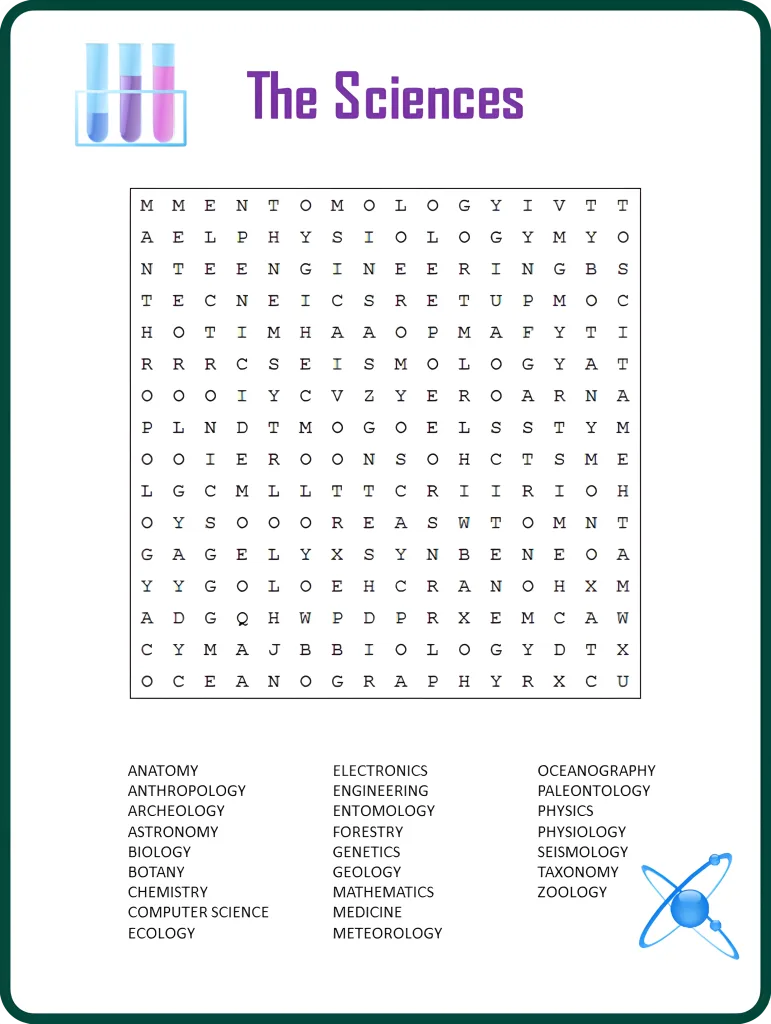
- Use picture clues instead of just word lists
- Create bilingual puzzles with translations
- Limit grid size and word count
- Choose high-frequency, familiar words
- Add color coding to help track progress
Time-Saving Tips for Busy Teachers
Teaching leaves little room for extra prep. These strategies help you create quality puzzles fast.
Build a Word Bank
Keep a digital file of vocabulary lists by unit and subject. When you need a puzzle, your words are ready to paste.
Organize by:
- Grade level
- Subject
- Unit or chapter
- Time of year
Use Student Input
Let students contribute word lists. They suggest terms they find challenging, giving you insight into trouble spots.
This also increases engagement because students want to solve puzzles they helped create.
Create Puzzle Sets
Make multiple versions of the same vocabulary list with different grid layouts. Use these for:
- Differentiation across ability levels
- Retakes for struggling students
- Reducing copying in adjacent seats
Batch Production
Set aside 30 minutes once per month to create puzzles for upcoming units. This prevents last-minute scrambling.
Share with Colleagues
Coordinate with grade-level teammates. Each person creates puzzles for one subject, then everyone shares.
This cuts individual work by 75% while maintaining quality across all subjects.
Digital Integration
Some word search creators let students solve puzzles online. This works well for:
- Remote learning days
- Computer lab activities
- Paperless classrooms
- Students who prefer screens
Make your first classroom puzzle in under 3 minutes.
Frequently Asked Questions
How long does it take to make a word search for my class?
Most teachers create a custom puzzle in 3 to 5 minutes once they have their word list ready. The word search creator handles layout and formatting automatically, so you just input your vocabulary and adjust the difficulty level.
Can I use the same puzzle for different grade levels?
You can reuse the same word list but should adjust the grid size and complexity. Make the grid smaller and remove diagonal words for younger students, or increase the grid size and add backwards words for older grades.
What’s the best way to grade word search puzzles?
Treat them as completion assignments rather than graded work. Students benefit from the vocabulary practice whether they find every word or not. If you need to assess, check for effort and focus rather than perfect accuracy.
How many words should I include in a classroom word search?
Start with 8 to 10 words for elementary students and 12 to 15 for middle school. Too many words create frustration, while too few finish too quickly. Adjust based on how long you want the activity to last.
Do word searches actually help students learn vocabulary?
Yes, research shows that repeated visual exposure to words improves recognition and spelling retention. Word searches work best when combined with other teaching methods like definitions, context sentences, and application activities.
Getting Started Today
A word search creator gives you one more tool to meet diverse student needs. Start small with one puzzle per week, then expand as you see results.
Focus on these first steps:
- Choose a creator with education-friendly features
- Import your current vocabulary list
- Adjust grid size for your grade level
- Print and test with a few students
- Gather feedback and refine
Students respond well to visual learning tools that feel different from typical worksheets. Word searches provide that variety without adding complexity to your planning.
The best classroom tools save time while improving outcomes. A quality word search creator does both.

KDPTools Content Team creates simple, practical guides to help publishers make high-quality puzzle books using smart automation tools like Word Search Generator, and Word Search Book Builder.
We focus on clear tutorials, fast workflows, and print-ready puzzle interiors for Amazon KDP and Etsy.